
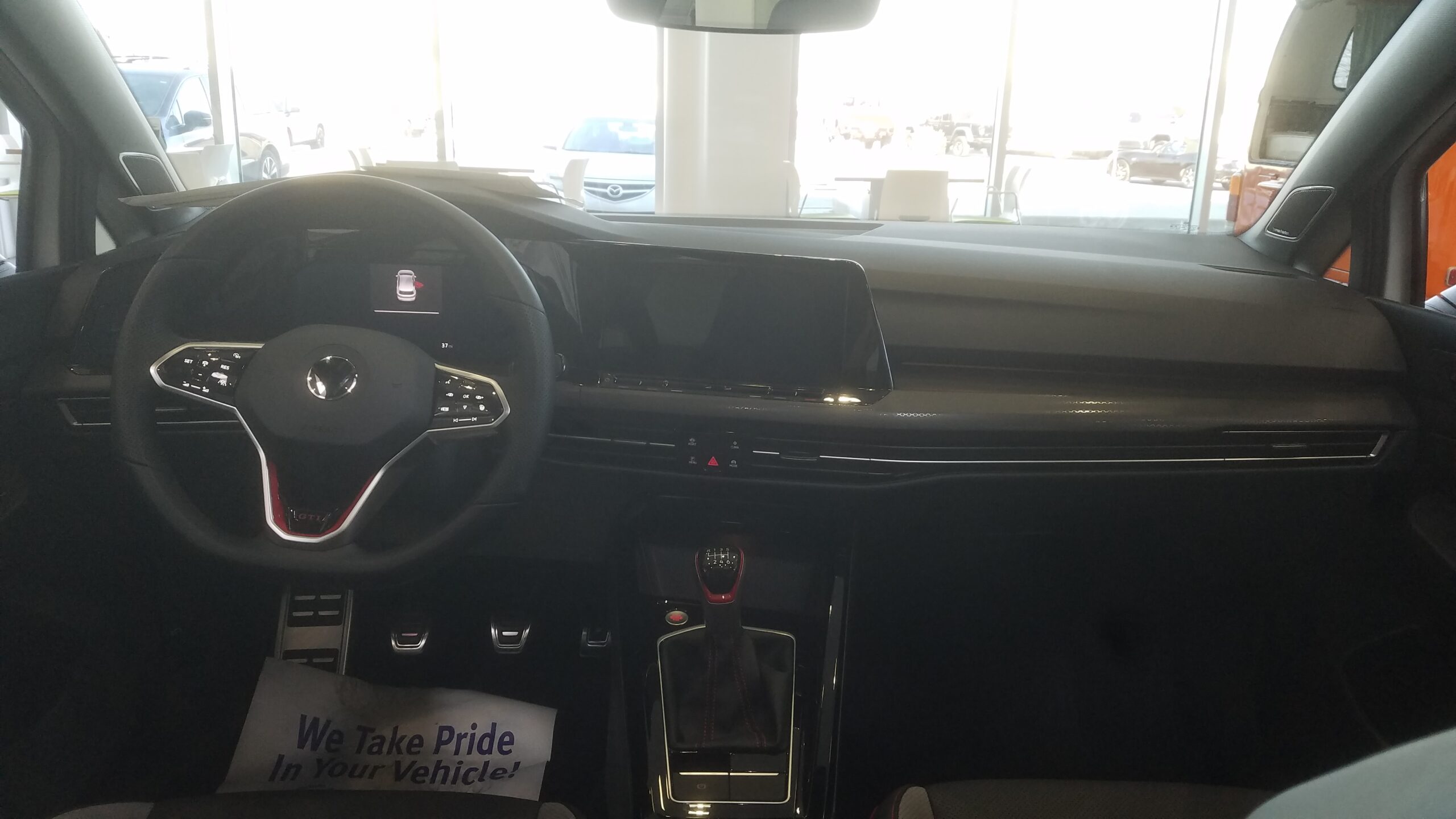
A Volkswagen infotainment screen that goes blank, freezes, or drops your phone can make a normal drive feel complicated.
The useful first move is not guessing. It is matching the visible symptom to the next clean check.
Some problems start with the phone connection. Others point to the screen, audio path, software state, or vehicle-side settings.
This guide keeps troubleshooting practical, so you can narrow the issue before contacting support or service.
Start With The Symptom You Can See
Before changing settings or repeating the same connection attempt, name the symptom as clearly as possible.
Common Volkswagen infotainment symptoms include:
- The screen stays black.
- The screen turns on but freezes.
- Touch response is delayed or missing.
- Apple CarPlay or Android Auto does not appear.
- Phone audio works, but the expected interface does not.
- The problem appears only on some drives.
- The system reboots or drops the connection after loading.
This first step matters because different symptoms point to different checks. A black screen is not the same problem as a phone that connects for audio but never opens the projected interface.
Quick Safety And Setup Checks
Handle infotainment troubleshooting while parked. Avoid changing connection settings, rebooting devices, or reading menus while driving.
Start with the basic conditions around the issue:
- Is the vehicle safely parked and fully powered on?
- Is the phone charged enough to stay awake during setup?
- Is the same problem happening with every phone or only one phone?
- Does regular Bluetooth audio work separately from phone projection?
- Did the issue begin after a phone update, app update, vehicle service visit, or changed cable?
None of these details proves the cause by itself. Together, they help you avoid random trial and error.
Symptom-To-Next-Check Guide
Use the symptom you can see first. Then make one reversible change and check the result.
| Symptom | Next clean check | What the result can tell you |
|---|---|---|
| Screen stays black | Start a fresh vehicle session and check model-specific owner guidance | Helps separate a temporary display state from a repeated issue |
| Screen loads but freezes | Wait for loading to finish, then retry one simple action | Shows whether the issue is startup delay or persistent touch failure |
| Phone reacts but Volkswagen screen does not | Disconnect cleanly and retry the same connection method once | Helps identify whether the phone-to-vehicle handoff is failing |
| Audio works but phone interface does not appear | Treat audio and phone projection as separate behaviors | Prevents Bluetooth audio from being mistaken for full infotainment function |
| Issue happens only sometimes | Record when it happens, which phone was used, and what changed recently | Gives support or service a clearer pattern to review |
Keep each test simple. If you change the phone, cable, connection method, and vehicle settings at the same time, the result becomes harder to interpret.
If The Screen Is Blank
A blank infotainment screen is the most obvious failure, but it still needs careful checking.
First, confirm that the rest of the vehicle is behaving normally. Then shut down the session in a normal owner-safe way, leave the vehicle, and start a fresh attempt later if appropriate for your model.
If the display remains blank across repeated starts, stop treating it as a phone problem. A phone connection issue usually does not explain a screen that never wakes up.
At that point, use Volkswagen owner resources or a qualified service channel for model-specific guidance. Avoid pulling fuses or following universal reset instructions from random sources, because fuse locations and procedures can vary by vehicle.
If The Screen Freezes Or Feels Slow
A frozen or slow screen can happen during startup, after connection attempts, or while switching between menus.
Give the system a moment to finish loading before tapping multiple commands. Repeated taps can make it harder to tell whether the screen is delayed, frozen, or processing a previous action.
Then try one simple action:
- Return to the home screen if the system responds.
- Disconnect the phone and observe whether the vehicle screen becomes stable.
- Restart the phone before retrying the same connection method.
- Note whether the freeze happens before or after phone projection starts.
The payoff is clarity. If the screen freezes even without a phone connected, the issue is less likely to be only a phone-pairing problem.
If Touch Controls Do Not Respond
Touch problems deserve a separate check because the display may still be showing information.
Look for the difference between a frozen image and a live screen that ignores touch. For example, the clock, audio information, or backup-camera transition may still update even when touch input feels unreliable.
Clean the screen gently if it is visibly dirty, remove obvious obstruction, and avoid pressing harder. Heavy pressure does not solve a software or hardware response problem and may make diagnosis less clear.
If touch response fails repeatedly, collect the exact condition: startup, navigation screen, phone projection, reverse-camera transition, audio menu, or climate-related screen. That detail is more useful than saying the infotainment is simply broken.
If Apple CarPlay Or Android Auto Will Not Start
Phone projection issues often feel like infotainment failure because the expected screen never appears.
Separate the phone behavior from the vehicle-screen behavior:
- Does the phone show a connection prompt or charging state?
- Does the Volkswagen screen show any phone-related message?
- Does normal Bluetooth audio work without the projected interface?
- Does the same phone connect normally in another compatible vehicle?
- Does another compatible phone behave differently in the Volkswagen?
Use these checks carefully. Another phone working does not automatically prove the first phone is defective, and another phone failing does not automatically prove the vehicle is defective. It simply gives you a better pattern.
If Audio Works But The Interface Does Not
Audio can be misleading. A phone may play sound through the vehicle while the full projected interface still does not load.
Treat this as a partial connection. Check whether the phone is connected only for audio, whether the vehicle is showing a phone-projection option, and whether the expected interface appears after a clean reconnect.
If audio works every time but the interface never appears, write that down. It is a stronger clue than saying the phone connection fails completely.
If The Problem Comes And Goes
Intermittent infotainment problems are frustrating because they often disappear when you try to demonstrate them.
Instead of chasing every possible fix, build a short pattern log:
- Date and drive session.
- Phone model used.
- Wired or wireless attempt, if applicable.
- What appeared on the phone.
- What appeared on the Volkswagen screen.
- Whether audio worked.
- Whether the issue cleared after a fresh start.
This does not need to be formal. A few notes can help you avoid repeating the same failed step and give support a cleaner starting point.
Common Reasons Volkswagen Infotainment May Stop Working
The exact cause depends on the vehicle, phone, software state, and symptom. Still, many owner-level checks fall into a few practical buckets.
Connection State
The vehicle and phone may not complete the same connection path every time. This is especially noticeable when audio works but the phone interface does not appear.
A clean disconnect and retry can help you observe the handoff without changing several variables at once.
Temporary Software State
Infotainment systems and phones are both software-driven. A temporary state can make a screen slow, frozen, or inconsistent.
Restarting the phone or beginning a fresh vehicle session can be a reasonable owner-level check, as long as you avoid unsafe driving distraction and model-specific procedures you cannot verify.
Phone Compatibility Or Settings Context
A changed phone, updated operating system, new cable, or altered permission setting can affect the connection experience.
Keep this broad unless you are following official phone or Volkswagen guidance for your exact setup. Exact menu paths and procedures can change over time.
Vehicle-Side Issue
If the Volkswagen screen fails even without a phone involved, the problem may be broader than phone projection.
Repeated blank screens, repeated freezing, missing touch response, or restart behavior across several sessions are good reasons to stop experimenting and consult model-specific owner support or service.
What To Try Before Service
Use this simple order before escalating:
- Park safely and identify the exact symptom.
- Restart the phone and retry the same connection method.
- Disconnect the phone and observe whether the Volkswagen screen works normally on its own.
- Test only one variable at a time, such as phone, cable, or connection method.
- Check model-specific owner resources for your vehicle.
- Save notes if the problem repeats.
This order does not promise a repair. It helps you separate a simple connection problem from a repeated infotainment behavior that needs better support.
When To Contact Volkswagen Support Or Service
Escalate when the issue repeats after clean, reversible checks or when the screen itself remains unreliable.
Bring useful details instead of broad descriptions:
- The exact symptom.
- Whether the issue is constant or intermittent.
- Whether it happens with one phone or multiple phones.
- Whether audio works separately.
- Whether the vehicle screen works without the phone connected.
- Any recent phone update, app update, vehicle service, or changed accessory.
That information gives the next person a clearer starting point. It also reduces the chance that you will be asked to repeat the same basic checks without context.
Recalls, Updates, And Owner Resources
For recall or campaign concerns, use official VIN-based resources and Volkswagen owner or support channels. Do not rely on a general article to decide whether a specific vehicle is included in a specific action.
For software updates, owner guidance, or service procedures, follow sources tied to your vehicle and region. Volkswagen infotainment systems vary by model, model year, market, and equipment.
What Not To Do
Avoid shortcuts that create new problems or make diagnosis harder.
Do not pull random fuses based on a generic online post. Do not assume one reset sequence applies to every Volkswagen. Do not keep changing many settings at once. Do not assume Bluetooth audio proves full infotainment health. Do not treat a single failed phone connection as proof that the car needs repair.
The cleaner the test, the more useful the result.
Related articles
FAQ
Why is my Volkswagen infotainment screen black?
A black screen can point to a display, startup, power-state, or broader infotainment issue. Start with a safe fresh vehicle session and model-specific owner guidance. If the screen stays black across repeated starts, contact Volkswagen support or service.
Why does my phone connect but CarPlay or Android Auto does not show?
Audio connection and phone projection are not always the same behavior. Check what appears on both the phone and Volkswagen screen, then retry one connection method cleanly before changing other variables.
Should I reset my Volkswagen infotainment system?
Use only reset guidance that matches your specific Volkswagen model and owner documentation. Avoid universal reset sequences, fuse advice, or button combinations from sources that do not match your vehicle.
Can a cable cause Volkswagen infotainment problems?
A cable or adapter can be part of the pattern, especially when the phone reacts but the vehicle screen does not behave as expected. Test one connection change at a time so the result stays useful.
When should I stop troubleshooting myself?
Stop when the screen remains blank, freezes repeatedly, ignores touch, restarts across several sessions, or fails even without a phone connected. At that point, use Volkswagen support, owner resources, or qualified service guidance.