
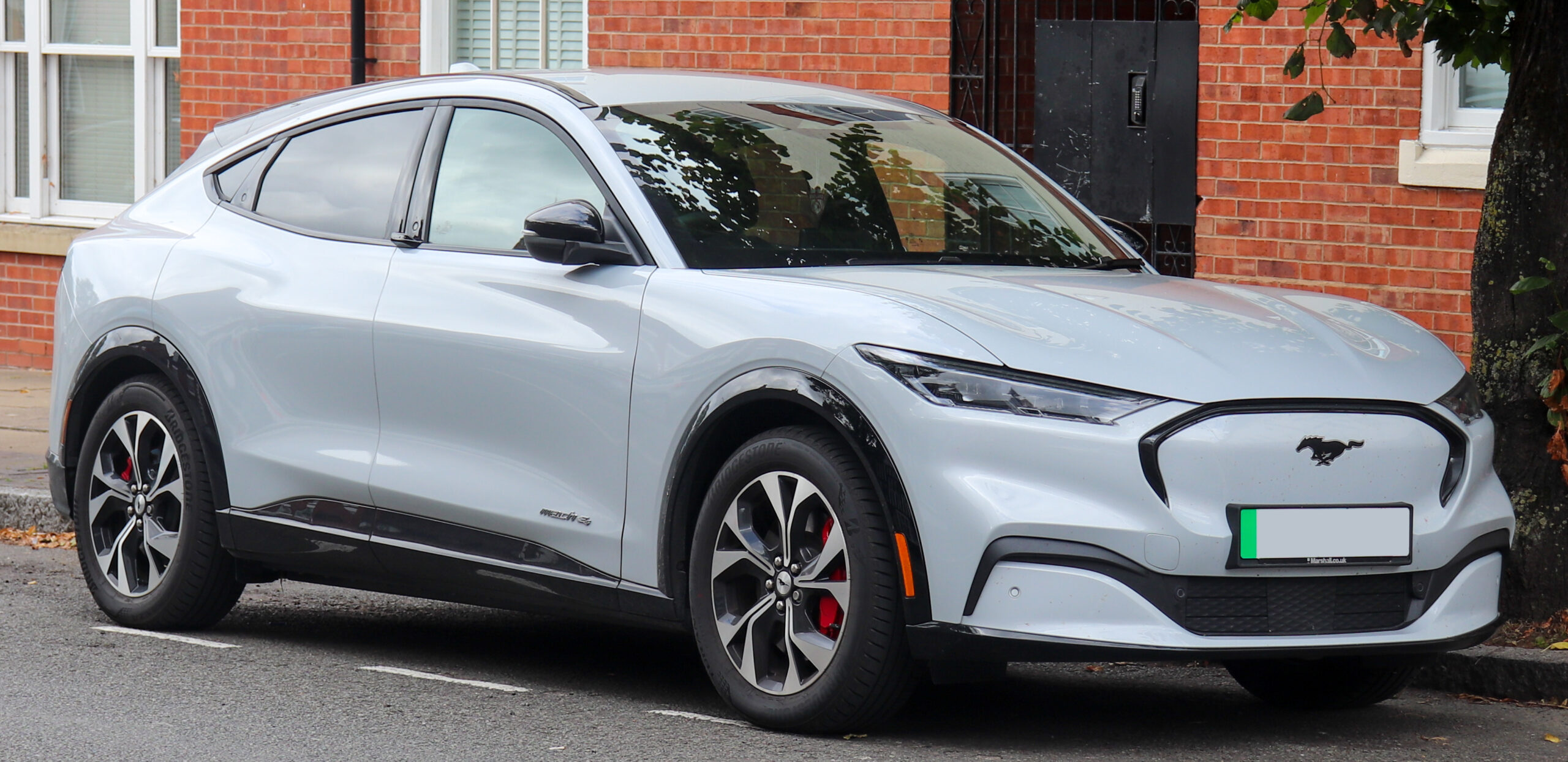
Ford electric car problems can feel bigger than they are when charging, range, software, or app behavior changes suddenly.
The useful move is to name the symptom first.
Then check the safest causes before assuming the vehicle needs repair.
This guide shows what to try, what to document, and when to escalate.
What This Ford EV Troubleshooting Guide Helps You Do
This guide helps you sort common Ford electric car problems into practical buckets: charging source, account or app status, adapter or connector concern, range context, software message, warning light, recall lookup, and dealer escalation.
It does not treat every symptom as a vehicle defect. A failed public charging session, for example, can involve the station, network account, connector, adapter, payment authorization, vehicle settings, software state, or a vehicle-side fault.
The goal is a safe decision path. You should leave with a clearer next step, not a risky repair attempt.
For official guidance, keep these starting points handy:
- Ford EV support: https://www.ford.com/support/how-tos/electric-vehicles/
- Ford recalls: https://www.ford.com/support/recalls/
- Ford App support: https://www.ford.com/support/category/ford-app/
- NHTSA recalls: https://www.nhtsa.gov/recalls
Before You Troubleshoot a Ford EV Problem
Start with the safety boundary. Owner troubleshooting should stay outside high-voltage repair.
Do not open, probe, bypass, modify, or repair high-voltage EV components. Do not try to fix a battery pack, onboard charger, inverter, DC fast-charging hardware, high-voltage cable, or recall-related defect yourself.
Use owner-safe actions instead:
- Park in a safe place before checking anything.
- Stop using charging equipment that looks damaged, loose, worn, or unusually hot.
- Photograph warning messages before they disappear.
- Note the time, location, charger network, connector type, weather, and state of charge.
- Compare what the vehicle screen, charger screen, and FordPass or Ford App show.
- Use VIN-based recall lookup when a safety notice, repeated warning, or dealer instruction appears.
- Contact Ford support, the charging network, a dealer, or roadside assistance when the symptom involves safety or repeated failure.
That boundary matters because many Ford EV symptoms look similar at first. A charging stop, app mismatch, range drop, or software warning can all feel like one large problem until you separate the signals.
What to Have Ready Before You Start
You do not need tools to begin. You need context.
Have these details ready:
- Ford model and year.
- VIN for Ford or NHTSA recall lookup.
- FordPass or Ford App access, if available.
- Charger type: home Level 2, public Level 2, DC fast charger, or adapter-based charging.
- Charger network name and station location.
- State of charge when the issue started.
- Any vehicle, charger, or app message.
- A short note about whether the problem repeats.
This makes the next conversation easier if you need Ford support, a dealer, a charging network, or roadside assistance. It also helps you avoid changing five variables at once.
Step 1: Separate Charger Problems From Vehicle Problems
When a Ford EV will not charge, start by asking what changed first.
A charging failure can come from the station, account, payment method, connector seating, adapter condition, vehicle setting, software state, or the car itself. Public DC fast-charging reliability has also been studied as a broader infrastructure issue, not just a vehicle issue. One public study on DC fast-charger reliability is available through arXiv: https://arxiv.org/abs/2203.16372
Use a simple comparison:
- If the charger screen rejects the session before the car responds, check the charging network account, payment state, and station status.
- If the connector does not seat cleanly, stop and inspect for visible damage or looseness.
- If the vehicle shows a warning, record the exact wording and do not keep forcing the session.
- If the same car charges normally at another station, the first charger or network may be part of the issue.
- If the same warning follows the car across more than one charger, escalate with the message and timing.
Do not assume one failed station proves a Ford electric car problem. Also do not ignore a repeated vehicle warning just because one charger was unreliable.
Step 2: Compare FordPass, Vehicle, and Charger Messages
FordPass or the Ford App can make a charging or vehicle-status issue look different from what you see at the car.
Compare four surfaces before deciding what happened:
- The vehicle display.
- The charger display.
- The FordPass or Ford App status.
- The charging network account or payment screen.
If the app shows stale or different information, treat it as one signal, not the whole diagnosis. If the vehicle and charger agree but the app does not, note the mismatch. If the app and vehicle both show a warning, save the wording and escalate sooner.
Ford’s app support category is the right public starting point for official app help: https://www.ford.com/support/category/ford-app/
Avoid relying on memory. A screenshot or short note is more useful than saying the app was wrong later.
Step 3: Treat Adapter and Connector Concerns Carefully
Adapter and connector issues deserve a conservative approach.
Stop using charging equipment that appears damaged, loose, unusually hot, or linked with repeated warning messages. Do not try to repair an adapter, reshape a connector, bypass a latch, or keep testing a setup that feels unsafe.
Ford’s NACS adapter replacement notice has been covered publicly, including by The Verge: https://www.theverge.com/2024/10/19/24274405/ford-ev-nacs-adapter-faulty-replacement-service-bulletin
Use that kind of news as context, not as proof that every adapter or every Ford EV is affected. For your own vehicle, follow Ford communications and official support guidance.
A useful support note includes:
- Adapter or connector type.
- Charger network.
- Whether the connector seated cleanly.
- Any heat, looseness, visible wear, or warning message.
- Whether the issue repeated with another charger.
That gives support a clearer path without pushing you into repair territory.
Step 4: Put Range Loss in Context Before Calling It a Defect
Range changes are not automatically a Ford EV defect.
Range and DC fast-charging behavior can vary with charger capability, battery state, temperature, route, speed, payload, towing, HVAC use, tires, and whether the pattern repeats. The practical question is not only whether range dropped. It is whether range changed in a repeatable pattern under similar conditions.
Start with three comparisons:
- Same route, similar speed, similar weather.
- Same charger type, similar battery state, similar stop length.
- Same load, tires, and climate-control demand.
If the pattern appears once during a harder drive, that is different from a warning or repeatable loss across ordinary use. If the vehicle shows a warning, or range behavior changes suddenly without a clear driving context, document it and contact Ford support or a dealer.
Avoid exact range-loss percentages unless they come from official model-specific guidance. The safer owner move is to compare conditions and escalate repeated patterns.
Step 5: Use Recall Lookup for Safety Notices and Repeated Warnings
When a warning repeats or a safety notice appears, use VIN-based recall lookup.
Ford’s recall page is here: https://www.ford.com/support/recalls/
NHTSA’s recall lookup is here: https://www.nhtsa.gov/recalls
Public reporting has covered Ford EV-related recalls and software issues, including Mustang Mach-E door latch coverage by AP News, rearview camera software coverage by AP News, and integrated park module coverage involving Ford models by Road & Track:
- AP News door latch report: https://apnews.com/article/442d95225f04b46afa04333f53f1adae
- AP News rearview camera software report: https://apnews.com/article/95c4b06d0ef6d7b86b96c17fb8fee9a5
- Road & Track integrated park module report: https://www.roadandtrack.com/news/a69859402/ford-recall-272000-f-150-lightning-mustang-mach-e-maverick-park/
Use those reports as examples of why VIN-specific checking matters. Do not assume a news item applies to your exact vehicle. Recall status, affected vehicles, remedies, and timing should come from Ford, NHTSA, or your dealer for your VIN.
Step 6: Decide Whether to Keep Testing or Escalate
Keep testing only when the checks are safe, low-risk, and clearly separated.
A clean owner-level test changes one variable at a time. For example, try a different charger network, compare the app with the vehicle display, or document whether the same warning appears at home and in public.
Escalate when:
- A warning message repeats.
- Charging equipment appears damaged, loose, or unusually hot.
- The car will not charge across more than one known-good charging source.
- A recall notice or safety-related message appears.
- The issue affects drivability, parking behavior, door operation, camera visibility, or charging safety.
- You cannot separate app, charger, and vehicle signals safely.
Bring support the exact symptom, screenshots, charger location, time, battery state, and what you already compared. That makes the conversation more productive than saying the car simply will not charge.
Troubleshooting: Match the Symptom to the Next Safe Check
Use this table as a quick decision path.
| Symptom | Safe next check | When to escalate |
|---|---|---|
| Public charger will not start | Check station status, account/payment state, connector seating, and vehicle message | If the same vehicle warning repeats at more than one charger |
| Charging stops early | Note charger network, battery state, message, and whether the station shows an error | If repeated stops happen across different chargers or a warning appears |
| FordPass or Ford App status looks wrong | Compare app, vehicle screen, charger screen, and network account | If app mismatch comes with vehicle warnings or repeated charging failure |
| Connector or adapter feels loose, damaged, or hot | Stop using it and document the condition | Escalate before using that equipment again |
| Range seems lower than expected | Compare route, speed, weather, load, tires, HVAC, and battery state | If sudden or repeatable change appears without clear context |
| Software or warning message appears | Save the message and check VIN recall resources | Escalate if safety-related or repeated |
| Camera, parking, door, or drivability concern | Stop treating it as a charging-only issue | Use Ford, NHTSA, dealer, or roadside support |
The payoff is simple: do not chase every possible cause. Match the visible symptom to the next safe check, then stop when the issue belongs with support.
Alternatives When You Cannot Solve It Yourself
Some Ford electric car problems should not stay in owner troubleshooting.
Use these alternatives when the symptom is repeated, safety-related, or unclear:
- Ford support for official owner guidance.
- FordPass or Ford App support for app/account behavior.
- The charging network for station, account, payment, or charger errors.
- A Ford dealer for warning messages, recall questions, or repeated vehicle-side faults.
- NHTSA recall lookup for VIN-based recall context.
- Roadside assistance when charging, drivability, or safety conditions make continued use risky.
This is not giving up early. It is keeping owner checks where they belong and moving repair, recall, or high-voltage questions to the right channel.
A Safe Way to Think About Ford EV Problems
The safest path is not to prove a fault in one try. It is to separate the charger, app, adapter, range context, software message, and vehicle warning without crossing into risky repair.
If the symptom is mild and isolated, document it and compare one clean variable. If the symptom repeats, involves safety, or follows the car across charging sources, bring the evidence to Ford support, a dealer, the charging network, or roadside assistance.
Read More
These TechNubo articles cover adjacent EV, software, app, and connected-car issues:
- Software Update Issue: With setting at 80%, car charged…
- Common Problems With Chinese EVs: Owner-Based Guide 2026
- BYD 2025 Software & OTA: Infotainment, Bugs, and Updates
- BMW Recalls Over 70,000 Electric Vehicles for Potential …
- Nissan Connect App Not Working: Causes and Fixes
FAQ
Why is my Ford EV not charging at a public charger?
A failed public charging session can involve the charger, account, payment state, connector, adapter, vehicle setting, software state, or vehicle-side fault. Compare the charger screen, vehicle screen, app status, and account status before blaming one cause.
Can FordPass make a charging problem look like a vehicle problem?
Yes. App or account status can make the situation look different from what the vehicle or charger shows. Compare FordPass or the Ford App with the vehicle display and charger screen, then document any mismatch.
Should I keep using an adapter if charging fails or the connector feels hot?
No. Stop using equipment that appears damaged, loose, unusually hot, or tied to repeated warning messages. Document what happened and follow Ford, charging-network, or dealer guidance.
Is range loss always a Ford EV defect?
No. Range can vary with charger capability, battery state, temperature, route, speed, load, towing, HVAC use, tires, and repeatability. Escalate sudden or repeated changes that do not match normal driving context.
When should a Ford electric car problem go to a dealer?
Escalate when warning messages repeat, a safety notice appears, charging fails across more than one known-good source, or the issue affects drivability, parking behavior, door operation, camera visibility, or charging safety.