
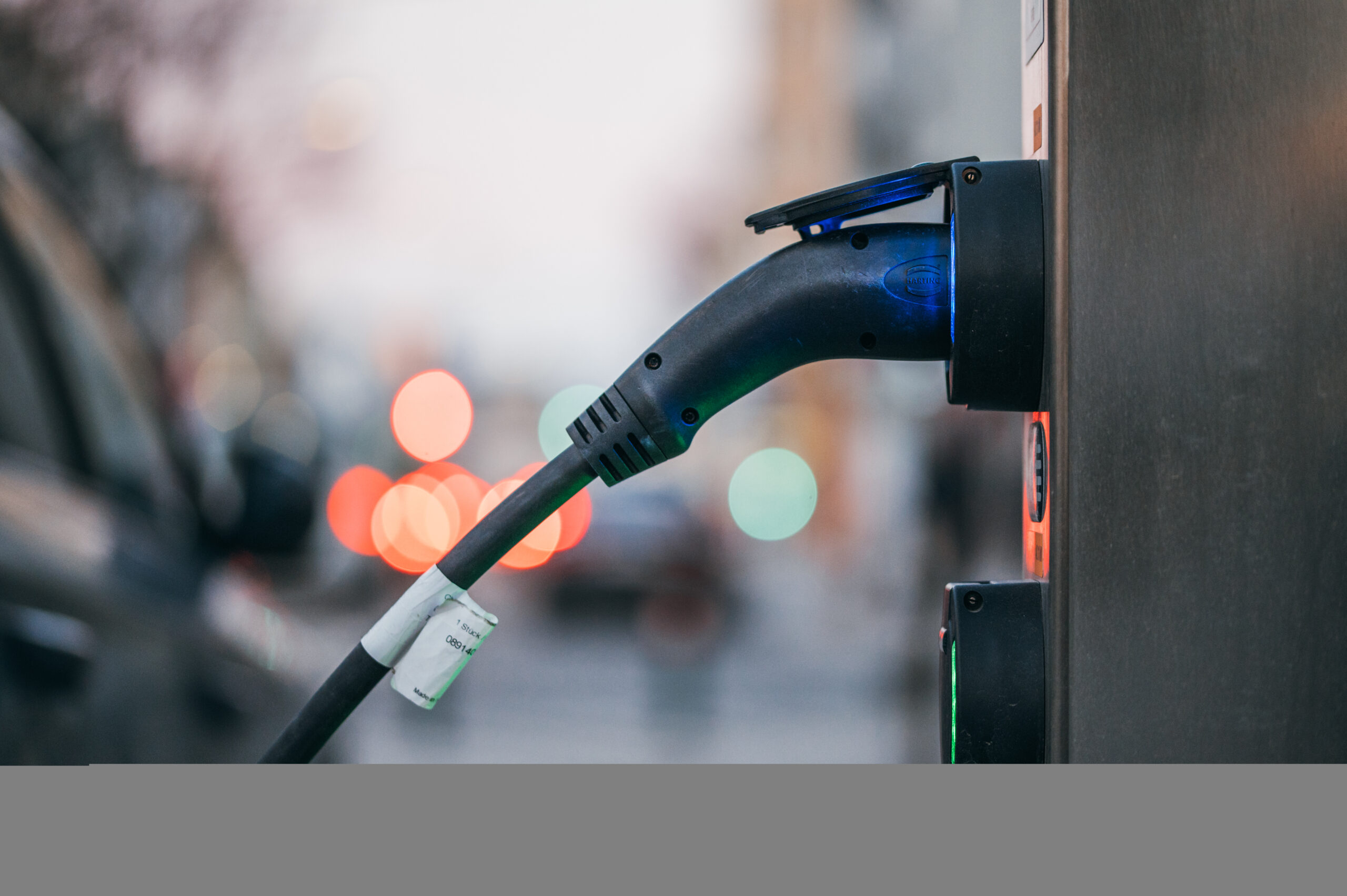
An EV charge limit set to 80 charged to 100 can feel confusing after a normal overnight session.
The first step is separating a settings mismatch from a repeatable charging problem.
That means checking the car, app, saved location and charger schedule in a calm order.
Here is what to review before assuming the battery, charger or software is at fault.
What Happened
The basic situation is simple: the driver expected the EV to stop around an 80% target, but the session ended higher, sometimes close to 100%.
That result does not identify one cause by itself. Many EV charging setups can involve more than one control layer: the vehicle charge target, a mobile app, saved charging locations, charging schedules and, in some homes, charging-equipment settings.
Ford owner support describes target charge as a configurable EV charging-management feature. Chevrolet home-charging support also shows that home charging can involve vehicle setup, charging equipment and scheduling choices. Those official pages support the practical point: the final charging result may depend on more than one visible setting.
Sources accessed June 9, 2026:
- Ford target charge support: https://www.ford.com/support/how-tos/electric-vehicles/charging-management/how-do-i-set-a-target-charge-for-my-electric-vehicle/
- Chevrolet EV home charging support: https://www.chevrolet.com/support/vehicle/ev-charging/home-charging/how-to
Why It Matters
Many EV owners use a lower daily charge target for routine driving and raise the target before a longer trip. So when the car finishes higher than expected, the concern is understandable.
The useful question is not whether one session proves a serious fault. It usually does not. The useful question is which setting was active when the session started and whether the same behavior repeats under the same conditions.
That difference matters because random troubleshooting can create more confusion. If you change the app, the car screen, the charger schedule and the departure time all at once, it becomes harder to know what actually changed the result.
What Is Confirmed By The Setup
A practical review starts with the visible charge target in the car. Confirm the target that appears on the vehicle screen before the next charging session, not only the value you remember setting earlier.
Then compare the mobile app. If the app shows a different target from the car, treat that mismatch as a clue and bring the two values into alignment before testing again.
Next, check whether the vehicle uses saved locations. Some EVs let drivers apply charging preferences to a frequent location, such as home. If a location profile is active, a general target may not be the only value shaping the session.
Finally, look at schedules and charger-side settings. A departure-time setup, utility-rate window or wall-unit schedule can change when charging starts and stops. The exact controls depend on the vehicle and charging equipment, so owner documentation remains the right place for model-specific steps.
What This Does Not Prove
A charge session that ends higher than expected does not prove a universal EV software defect. It also does not prove a recall, a service bulletin, battery damage, a warranty outcome or a repair cost.
It also should not be treated as proof that the charger always overrides the vehicle, or that the app always overrides the vehicle. Those are model-specific claims and need stronger evidence than a single charging result.
The safer reading is narrower: one or more charging controls may not match the driver’s expectation. That is enough to justify a clean setup check, but not enough to make a broad technical claim.
Start With The Active In-Car Target
Before the next charge, sit in the car and check the target shown on the vehicle display. Do this while the car is not in the middle of a confusing session, and avoid changing other variables at the same time.
If the car shows 100%, lower it to the intended daily target and save the change. If it already shows 80%, leave it there and move to the next layer.
The payoff is simple: the in-car display gives you a baseline. Without that baseline, every later app or charger check is harder to interpret.
Compare The App And The Car
After checking the vehicle screen, open the vehicle app and compare the charge target shown there. You are looking for a mismatch, not trying to prove which interface is always in charge.
If the app and car disagree, set them to the same target and run one clean session. Avoid changing the schedule, charger settings or departure time during that test.
If both values already match, record that too. Matching values can help you focus on location profiles, schedules or charger equipment instead of repeatedly changing the same target.
Review Saved Locations And Schedules
A saved home location can be useful, but it can also hide a separate charging preference. If your EV supports location-based charging, check whether the current parking spot has its own target or timing rule.
Then review scheduled charging. A schedule may be tied to departure time, utility rates or preferred charging windows. If the schedule is active, note the start time, stop time and final state of charge from the next session.
For home setups, also check the wall charger or charging service app if one is part of your equipment. Chevrolet’s home-charging support is a reminder that home charging can include more than the vehicle alone.
Keep The Next Test Clean
A useful next move is to change one thing, then test. For example, align the app and car target first, then leave the schedule unchanged for one session.
If the next session stops near the intended target, the mismatch may have been the issue. If it still charges higher, move to the next likely layer and keep notes.
Good notes do not need to be complicated. Write down the visible target, location, charger used, schedule status, session start time, session end time and final percentage.
When To Escalate
Contact the automaker, dealer or charging-equipment support if the car repeatedly charges past the visible target after a clean setup check. Bring the notes instead of only describing the session from memory.
The most useful details are the target shown in the car, the target shown in the app, whether a saved location was active, whether scheduled charging was enabled and which charger was used.
Keep the wording factual. You do not need to claim a software defect to get useful support. A repeatable pattern with clear notes is stronger than a dramatic description without details.
What To Watch Next
Watch for repeatability. One unexpected session is less informative than the same result happening again with the same target, location, schedule and charger.
Also watch what changes after software updates, app updates or charger configuration changes. Those moments can affect settings or make old assumptions worth checking again.
If the behavior repeats, the clean notes you collected will make the support conversation more useful. If it does not repeat, you still have a better understanding of which charging controls matter in your setup.
Related Articles
- Volkswagen ID.4: EV Platform, Charging, Software, and Safety Tech
- Ford Connected Vehicle Features Not Working
- Volkswagen Infotainment Not Working: Reasons And Fixes
- Guides
FAQ
Why did my EV charge to 100% when the limit was set to 80%?
The cause can be a mismatch between the in-car target, app target, saved location, schedule or charger setup. Check each layer before assuming a fault.
Should I change every charging setting at once?
No. Change one setting, run one clean session and note the result. That makes the next decision easier.
Does one full charge prove battery damage?
One unexpected session does not prove battery damage. Keep the public claim narrower: the charging result was higher than expected and should be checked.
Should I rely on the app or the car screen first?
Start with the value shown in the car, then compare the app. If they disagree, align them before changing other settings.
When should I contact support?
Contact vehicle or charging-equipment support when the car repeatedly charges past the visible target after a clean setup check.