
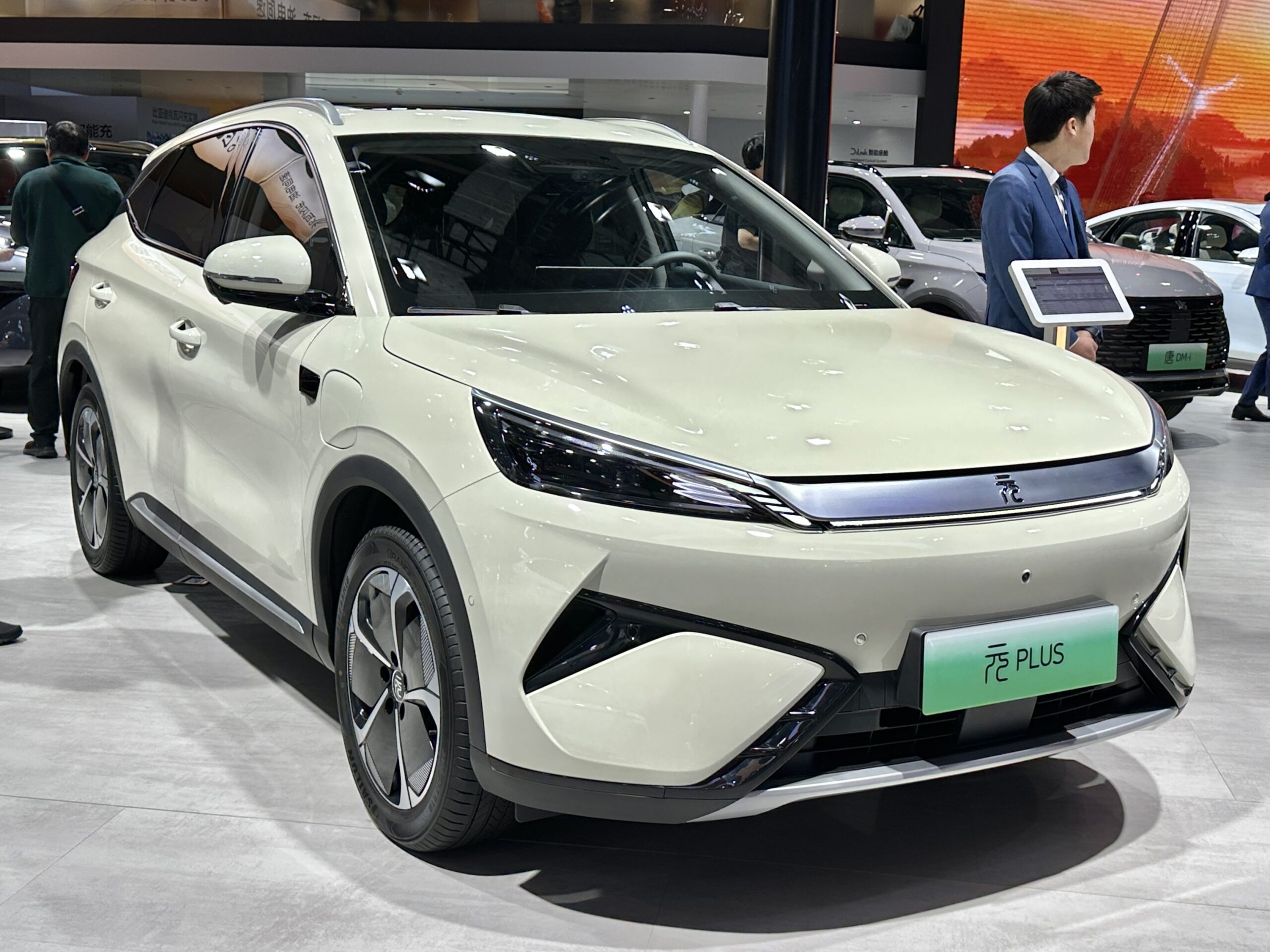
BYD smart driving technology can sound like a simple promise: the car helps, so driving gets easier.
The reality is more specific. It combines driver assistance, parking help, software, sensors, and connected-car features.
That does not make every BYD self-driving. The driver still needs to understand what each feature can and cannot do.
This guide explains what to check by model, market, trim, software version, and official documentation.
What BYD Smart Driving Technology Means
BYD smart driving technology is best understood as a broad label for assistance features that can support the driver in specific situations. Depending on the vehicle and market, that may include alerts, braking support, lane support, cruise-style assistance, parking help, software updates, app-connected services, and data-driven vehicle functions.
The important word is support. A smart-driving feature can reduce workload or warn about a risk, but that does not automatically mean the vehicle can handle the full driving task in normal traffic.
BYD’s official European ATTO 3 page, for example, lists driver-assistance features such as Blind Spot Detection, Lane Keep Assistance, Intelligent Cruise Control, Rear Cross Traffic Alert, and Rear Cross Traffic Brake. Those examples are useful, but they should not be treated as proof that every BYD model in every country has the same feature set.
For readers comparing names like smart driving, DiPilot, or God’s Eye, the safer approach is simple: treat the name as a starting point, then check the exact feature list on the regional model page, trim sheet, owner’s manual, and software information for the car in front of you.
The Short Answer: Assistance, Not A Blanket Self-Driving Promise
BYD smart driving technology should be treated as assisted driving, not a blanket self-driving promise.
The U.S. National Highway Traffic Safety Administration explains that driver-assistance technologies can warn, brake, steer, or help with speed and lane control, but manufacturers use different names for these systems. NHTSA also advises drivers to read the owner’s manual and understand what a specific system can and cannot do.
That distinction matters because the marketing name is not the same thing as the operating limit. A car may have adaptive cruise control without being able to manage every road. It may help keep a lane without being able to understand every construction zone. It may warn about a vehicle in a blind spot without replacing mirror checks.
NHTSA’s automated-vehicle safety guidance also separates consumer driver-assistance from higher automation. For ordinary drivers, the practical takeaway is clear: if the system is available on a consumer vehicle, assume you remain responsible for supervising it unless the official documentation for that exact vehicle says otherwise.
Why This Matters Before You Buy Or Use A BYD
Smart-driving terminology affects real decisions. It can shape what a buyer expects from a test drive, what an owner tries on the road, and how much trust a driver gives the car in bad weather, heavy traffic, or unfamiliar streets.
A careful reading prevents two common problems. The first is underusing helpful safety technology because every feature name sounds confusing. The second is overtrusting the car because a feature name sounds more capable than it is.
The useful middle ground is to ask concrete questions. Does this BYD warn only, or can it intervene? Does it support steering, speed, braking, or parking? Does it work only above or below certain speeds? Does it depend on lane markings, road type, camera visibility, or software settings? Is it available on this trim in this market?
Those questions do more for safety than memorizing every brand name. They turn smart-driving technology from a buzzword into a set of driving limits you can actually use.
How BYD Driver Assistance Typically Works
Most driver-assistance systems combine three basic ideas: sensing, decision support, and controlled intervention.
Sensing is how the vehicle reads its surroundings. Depending on the car and equipment, that can involve cameras and other vehicle sensors. Hardware can vary by model and market, so sensor-count claims are only useful when they come from documentation for that exact vehicle.
Decision support is the software layer. It interprets information such as lane position, nearby vehicles, vehicle speed, and driver inputs. The result may be a warning, a dashboard message, a steering correction, braking support, or cruise-style speed control.
Controlled intervention is what the driver feels. Lane support may nudge the steering. Cruise assistance may adjust speed. Rear cross-traffic braking may help when reversing if the system detects a relevant risk. Blind-spot detection may warn before a lane change.
The driver still has to judge the situation. A system can miss things, stop working in difficult conditions, or behave differently than expected if lane markings are poor, visibility is reduced, sensors are obstructed, or the feature is outside its designed use.
That is why the owner’s manual and the in-car feature settings matter. They are not paperwork after the purchase. They are part of learning where the assistance begins and where the driver must take over immediately.
Where God’s Eye And DiPilot Fit Into The Conversation
God’s Eye and DiPilot appear in coverage of BYD’s smart-driving push, especially around the company’s 2025 announcements. Financial Times and WIRED both covered BYD’s effort to expand advanced driver-assistance branding and availability, while also raising the broader question of how consumers understand these systems.
For a practical buyer or owner, the name alone is not enough. The useful question is not whether a car has a famous label. The useful question is what that label means for the exact model, trim, market, software version, and road situation.
If a dealer listing, video, or article mentions God’s Eye, DiPilot, or another BYD smart-driving name, check it against official regional BYD documentation before treating it as a local feature promise. That protects you from assuming a feature exists, works the same way everywhere, or includes the same hardware in every vehicle.
This is especially important for terms that sound close to autonomy. A smart-driving brand can include advanced assistance, but the public road behavior, driver-supervision requirement, and feature availability still depend on the actual vehicle and official rules for that market.
Practical Examples To Check On A Real BYD
Start with the features you can identify without guessing.
If the car has blind-spot detection, learn where the warning appears, when it activates, and whether it only warns or also affects steering. Test it only in normal, legal driving conditions, not as a challenge to the system.
If the car has lane support, check whether it is lane departure warning, lane keep assistance, lane centering, or another function. Those names sound similar, but they can behave differently. One may warn after drift. Another may apply steering support. Another may work only when road markings are clear.
If the car has intelligent cruise-style support, read how it handles following distance, speed changes, lane markings, driver input, and cancellation. Pay attention to what the car asks from the driver when traffic changes quickly.
If the car has rear cross-traffic alert or rear cross-traffic braking, understand when it works while reversing. A parking-lot warning can be useful, but it does not remove the need to look around the vehicle.
If the car offers app-connected services or software updates, separate convenience from driving automation. BYD’s App & Community materials describe app access and remote functions, while BYD’s Data Act Notice discusses vehicle-condition data, OTA-system data, ECU and sensor signals, diagnostics, and configuration-dependent connected data. That context is relevant to software and vehicle data, but it should not be stretched into a claim that an update will add a specific driving feature to every car.
Common Mistakes With BYD Smart Driving Features
The first mistake is treating a feature name as a feature guarantee. The same broad label can hide differences by region, trim, model year, and software version.
The second mistake is confusing warning systems with control systems. A warning may tell you something is nearby. It may not brake, steer, or prevent a collision by itself.
The third mistake is assuming lane help equals self-driving. Lane keeping, lane centering, and cruise assistance can reduce workload, but they still have limits and may require immediate driver correction.
The fourth mistake is expecting software updates to solve every limitation. OTA and connected software can matter, but exact update timing, feature rollout, and eligibility need official support for the specific vehicle.
The fifth mistake is ignoring the documents that define the feature. The regional model page, owner’s manual, in-car prompts, and safety settings usually tell you more than a short promotional phrase.
Privacy, Data, Software, And Cost Context
Smart-driving and connected-car features can involve more than what you see on the screen. They can interact with vehicle data, diagnostics, software status, app services, and system configuration.
BYD’s European Data Act Notice describes categories such as vehicle-condition data, OTA-system data, ECU and sensor data, diagnostics, and related-service context, depending on the vehicle and configuration. For an owner, that means smart-vehicle features should be considered alongside privacy settings, app access, account security, and regional data rights.
A practical review should include a few checks. Confirm which app account is linked to the vehicle. Review what remote features are enabled. Keep authentication secure. Read the regional privacy and connected-service documents. Ask the dealer or support channel whether a specific feature depends on trim, subscription, software version, or market rules.
Do not assume a cost or subscription answer from another market applies to your vehicle. Pricing, packages, and included features can vary, so the safer buyer move is to check those details before purchase.
What To Ask Before Relying On A BYD Smart-Driving Feature
Use these questions during a test drive, delivery handover, or first week of ownership.
What is the exact feature name on this model and trim? What does the owner’s manual say it does? Does it warn, brake, steer, control speed, park, or only provide information? What conditions stop it from working? Does it require clear lane markings or specific speed ranges? Does the dashboard show when it is active, limited, or unavailable?
Then ask the software questions. What version is installed? Are updates delivered over the air, by service visit, or both? Has this market received the feature described in the brochure? Is the feature standard, optional, trial-based, or bundled with a package?
Those questions keep the conversation grounded. They also make it easier to compare two BYD vehicles that use similar language but may not behave the same way.
Read More
For more context on BYD software and connected-car behavior, read TechNubo’s guide to BYD 2025 Software & OTA: Infotainment, Bugs, and Updates.
If you are trying to understand updates that do not arrive over the air, see Hidden BYD Software Updates Without OTA.
For broader driver-assistance basics, browse Driver-Assist Features How-To Articles.
You may also find TechNubo’s guide to Car Software Issues useful when separating driving features from infotainment or update problems.
Bottom Line
BYD smart driving technology is most useful when you treat it as a set of specific driver-assistance and connected-car features, not as one universal promise. The right question is not whether a BYD sounds advanced. It is what the exact car can do, when it can do it, and what the driver still has to supervise.
FAQ
Is BYD smart driving the same as self-driving?
No. Treat BYD smart driving technology as driver assistance unless official documentation for the exact vehicle says something more specific. NHTSA separates driver-assistance features from higher automation and emphasizes that drivers need to understand system limits.
What is BYD God's Eye?
God’s Eye is a BYD smart-driving name reported in coverage of the company’s 2025 driver-assistance push. For buyers, the key step is to check what the name means on the exact model, market, trim, and software version.
Do all BYD cars have the same smart-driving features?
No. BYD model pages can show examples of ADAS features, but availability can vary by country, model, trim, equipment, and software.
Can a software update change BYD smart-driving features?
Software can affect vehicle systems, and BYD materials discuss OTA and connected-vehicle data context. Exact update timing or new-feature availability should be checked through official regional BYD documentation for the specific vehicle.
What should I check before using BYD driver assistance?
Check the owner’s manual, in-car settings, dashboard status messages, regional model page, software version, and dealer or support guidance. Focus on what the feature does, when it works, and when the driver must take over.