
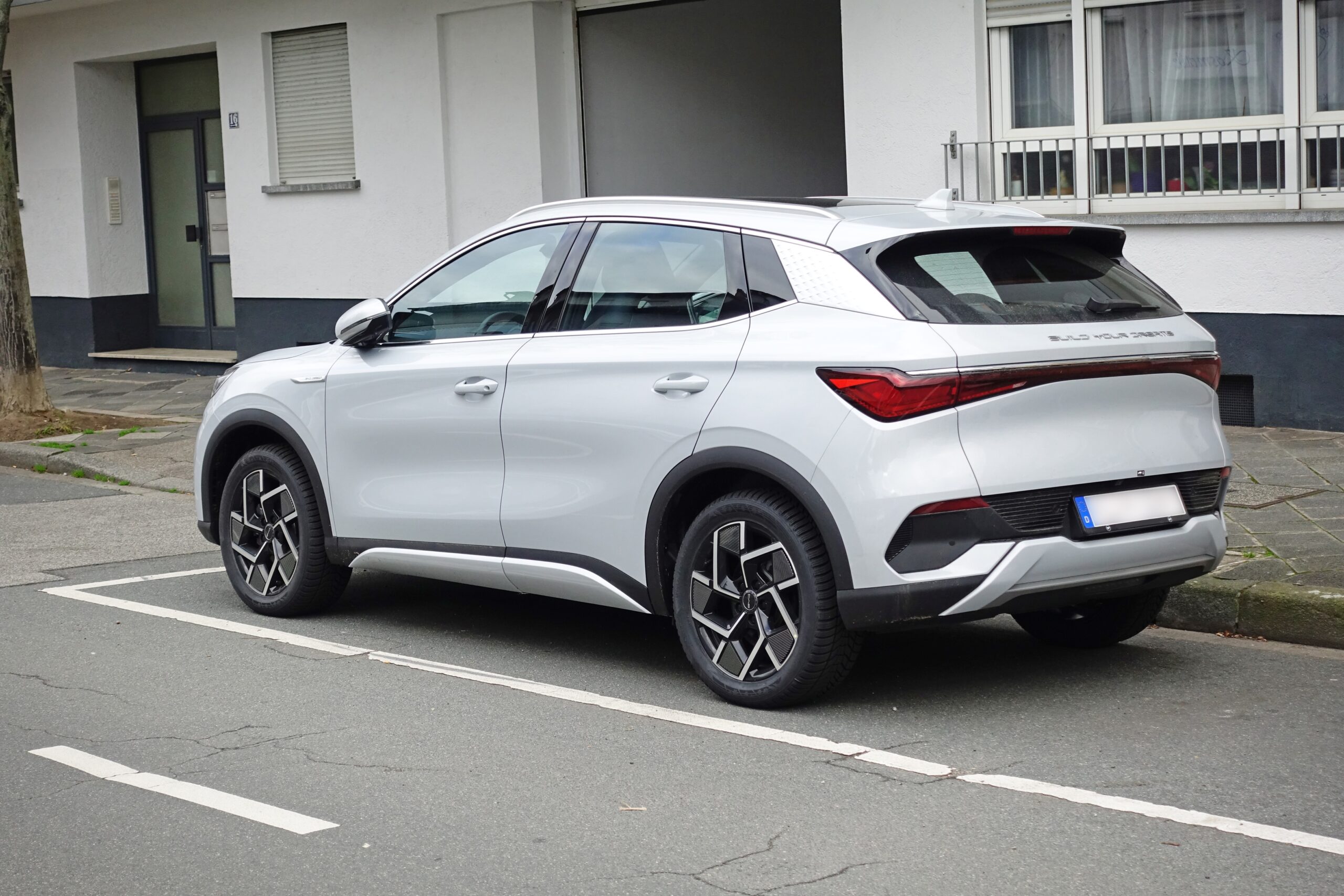
BYD software updates without OTA prompts can leave owners unsure what changed after a service visit or app behavior shift.
That does not prove anything secret happened.
It does mean drivers need a cleaner way to track symptoms, dates, version details, and support answers.
This guide shows how to separate useful evidence from guesses.
What Happened
BYD presents connected-car features, vehicle software, service maintenance, and ownership support through its public owner-facing channels. Those pages make one thing clear: software, connectivity, service, and support are part of the modern BYD ownership experience.
The confusing part for owners is narrower. Not every change a driver notices arrives with an obvious over-the-air update prompt on the center screen or in an app. A screen may behave differently after service. A setting may look different. An app connection may feel less consistent. A driver may remember one version number, then see another.
Those observations are worth recording. They are not enough, by themselves, to prove what changed, how it changed, or whether software caused the difference.
The practical question is simpler: how should a BYD owner track possible software changes when there is no clear OTA notification to rely on?
Why BYD Software Updates Without OTA Prompts Matter
Software now shapes many parts of the EV ownership experience. Infotainment behavior, app pairing, charging displays, driver settings, and vehicle messages can all affect whether a car feels predictable.
When a visible OTA prompt appears, the owner has an obvious reference point: an update date, a screen message, or release wording. Without that prompt, the timeline gets harder to read.
That matters because support conversations work better with specific details. "The car changed" is weaker than: "The app stopped connecting on this date, after this service visit, while this visible software version was shown."
The goal is not to turn every owner into a technician. The goal is to make the next support step clearer.
What Public Information Confirms
BYD publicly presents the Atto 3 as a connected electric vehicle and provides owner support, service maintenance information, and FAQ-style ownership guidance on official regional pages.
That supports a cautious baseline: BYD ownership includes software-related systems, connected features, service channels, and support paths. It also supports the practical value of checking official owner guidance and contacting the correct service or support channel when behavior changes.
The public information used for this article does not establish that every BYD dealer visit changes software, that all BYD models behave the same way, or that every software change is visible through a version number.
It also does not make a missing OTA prompt meaningful on its own. A missing prompt does not prove software work happened, and it does not prove software work did not happen.
What Owners Should Avoid Assuming
Avoid assuming BYD secretly updated the vehicle because one screen, setting, or app behavior changed.
Avoid assuming a service visit included software work unless the service record or support team says so.
Avoid assuming every BYD model, region, trim, or software build follows the same update path.
Avoid assuming a visible version number explains every software-related change inside the car.
These limits are useful. They keep the support conversation focused on facts that another person can check.
Start With A Simple Owner Log
If you suspect something changed, begin with details you can verify yourself. A useful log does not need to be technical.
Record the date, mileage, vehicle model, trim if known, phone model if an app is involved, app version if visible, and the exact symptom. Add whether the observation happened before or after a service appointment, charging session, phone update, app update, or account sign-in change.
Take a photo of any visible software version screen if your vehicle displays one. Take a photo of the message or behavior that changed, if it is safe and practical to do so while parked.
The best record is plain and specific. It avoids theories and captures what someone else can review later.
Match The Symptom To The Next Clean Check
Different symptoms point to different next checks. Treat each one as a clue, not a verdict.
If the infotainment screen looks different after service, note the service date, the before-and-after behavior, and any visible version information. Then ask the service provider whether any software-related work was performed during that visit.
If the BYD app behaves differently, separate vehicle behavior from phone behavior. Note the phone model, app version, operating system version, connection method, and whether the same account works on another device.
If a charging display or setting appears to change, write down the setting name, the charging location, the battery level, and whether the behavior repeats. A single unusual session is less useful than a repeatable pattern.
If a feature briefly works and then disappears, record the sequence. For example: "screen loads, app connects, status refresh fails after two minutes." That gives support more to work with than "software is broken."
Use Service Visits As Timeline Markers
A service visit is one of the easiest dates to anchor in your notes. It gives support a fixed point in time.
Do not assume the visit changed software. Do not assume it did not. Ask a direct, neutral question instead: "Were any software updates, calibrations, resets, or configuration changes performed during this appointment?"
That wording avoids accusation and gives the service team room to answer from the actual record. If the answer is no, your notes still help narrow the timeline. If the answer is yes, ask which system was affected and whether there is owner-facing documentation.
Keep invoices, service summaries, and messages in one place. Even short wording can help later if the same behavior returns.
Compare OTA Prompts With Visible Behavior
An OTA prompt is useful evidence when it appears. A missing OTA prompt is not proof on its own.
Owners should avoid building a conclusion from one missing notification. App updates, phone changes, connection issues, regional differences, service procedures, and normal setting changes can all create confusion around timing.
The cleaner method is to compare three things: visible vehicle version information, the date behavior changed, and any official support or service response you receive.
If all three point in the same direction, your support case becomes clearer. If they conflict, the conflict itself is useful to document.
Prepare Better Questions For BYD Support
Support teams can usually work faster when the question is narrow. Bring the facts first, then ask what can be checked.
A useful message might look like this:
"After my service appointment on [date], I noticed [specific behavior]. The vehicle now shows [visible version or screen detail], and the BYD app version is [version]. Was any software-related work performed, and is there a release note or service note I should review?"
That wording does not accuse anyone of hiding software changes. It asks for the service record, the affected system, and any owner-facing information that can clarify the timeline.
If the issue involves safety, warning messages, repeated failures, or driving behavior, contact BYD support or an authorized service channel promptly and follow the guidance for your market.
What To Watch Next
The useful signals to watch are official BYD owner guidance, service documentation, app notices, vehicle messages, and support responses.
For owners, the best habit is consistency. Save dates. Save screenshots. Save service paperwork. Ask the same type of question each time something changes.
That record will not explain every software behavior by itself. It will make the next conversation more precise and reduce the chance of mixing unrelated events together.
Read More
- BYD 2025 Software & OTA: Infotainment, Bugs, and Updates
- Common Problems With Chinese EVs: Owner-Based Guide 2026
- Software Update Issue: With setting at 80%, car charged…
FAQ
Can a BYD software change happen without an OTA prompt?
A missing OTA prompt is not enough to prove what happened. Use visible version details, service records, dates, symptoms, and BYD support responses to build a clearer timeline.
What should I record before contacting BYD support?
Record the date, mileage, vehicle model, visible software version if available, phone and app version if relevant, service-visit timing, and the exact behavior you noticed.
Does a dealer visit always mean software was updated?
No. A service visit is a useful timeline marker, but it should not be treated as proof of a software update. Ask whether software updates, calibrations, resets, or configuration changes were performed.
Should I rely on the vehicle software version number alone?
No. A visible version number can help, but it should be compared with dates, symptoms, service records, and official support answers.
What is the safest next step if the behavior affects driving or warnings?
Use the official support or service channel for your region and describe the issue with dates, messages, photos, and repeatable symptoms.
Sources
- BYD Europe: Atto 3 official model page, https://www.byd.com/eu/electric-cars/atto3
- BYD Europe: Service and maintenance, https://www.byd.com/eu/service-maintenance
- BYD Europe: Ownership FAQ, https://www.byd.com/eu/ownership/faq
- Wikimedia Commons: BYD Atto 3 rear-left photo by Hubert Berberich, CC BY 4.0, https://commons.wikimedia.org/wiki/File:BYD_Atto_3_rear-left.jpg
